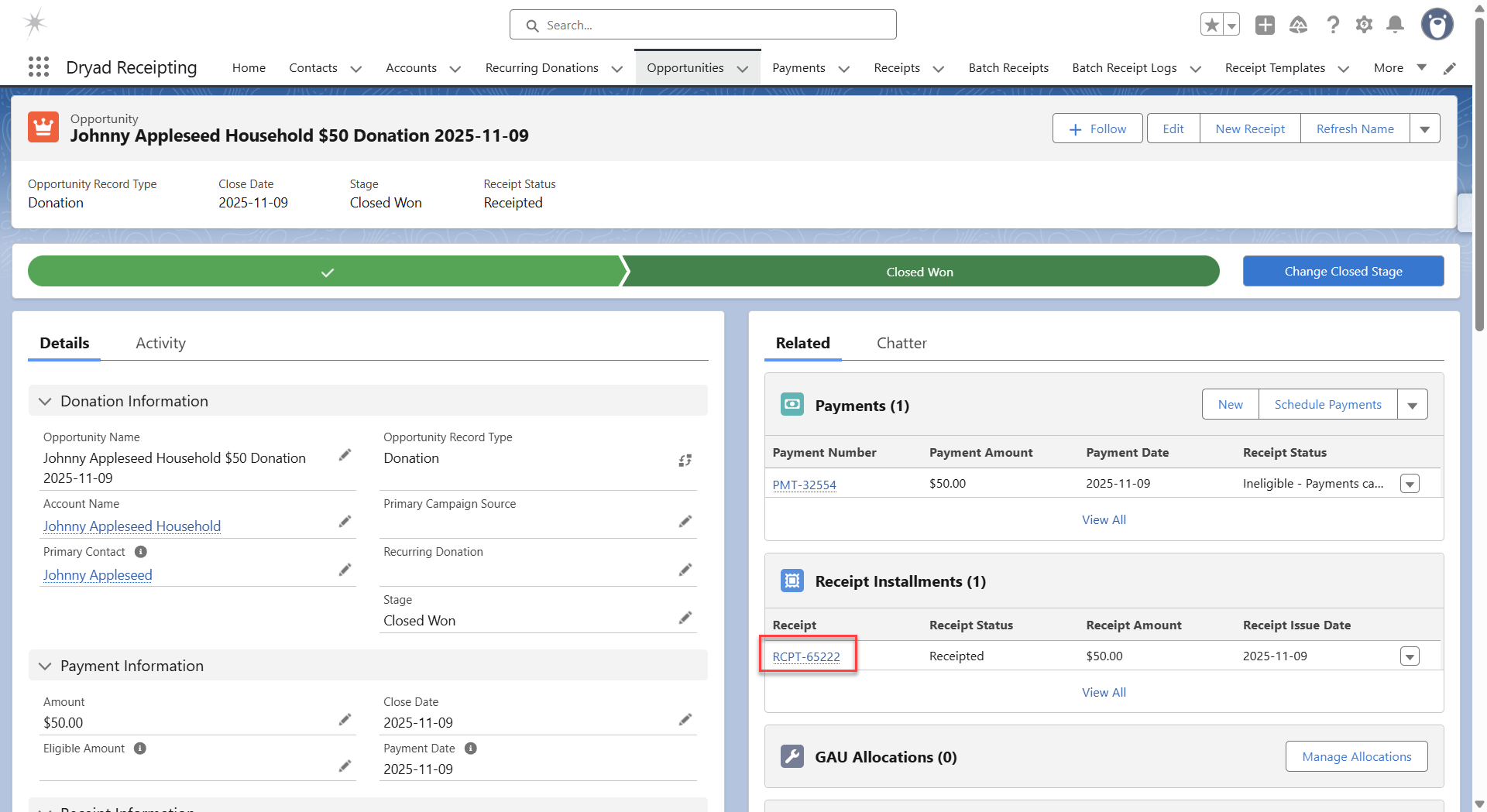
Notes:
- In order for a single receipt to be created for an opportunity,
- The donor’s preference for Receipt Delivery must be “Single”.
- The opportunity’s Receipt Status must be one of the following:
- “Eligible”
- “Receipted”
- “Voided”
- If the opportunity’s Receipt Status is “Eligible for Consolidated”, a receipt can be created from
- The donor’s record
- The tab Batch Receipts
- The related Recurring Donation record
- For a more detailed description of Receipt Status, see Receipt Status Definition.
To create a single receipt for a single opportunity
1. Go to the opportunity for which you want to create a receipt.
2. Click the button “New Receipt”.
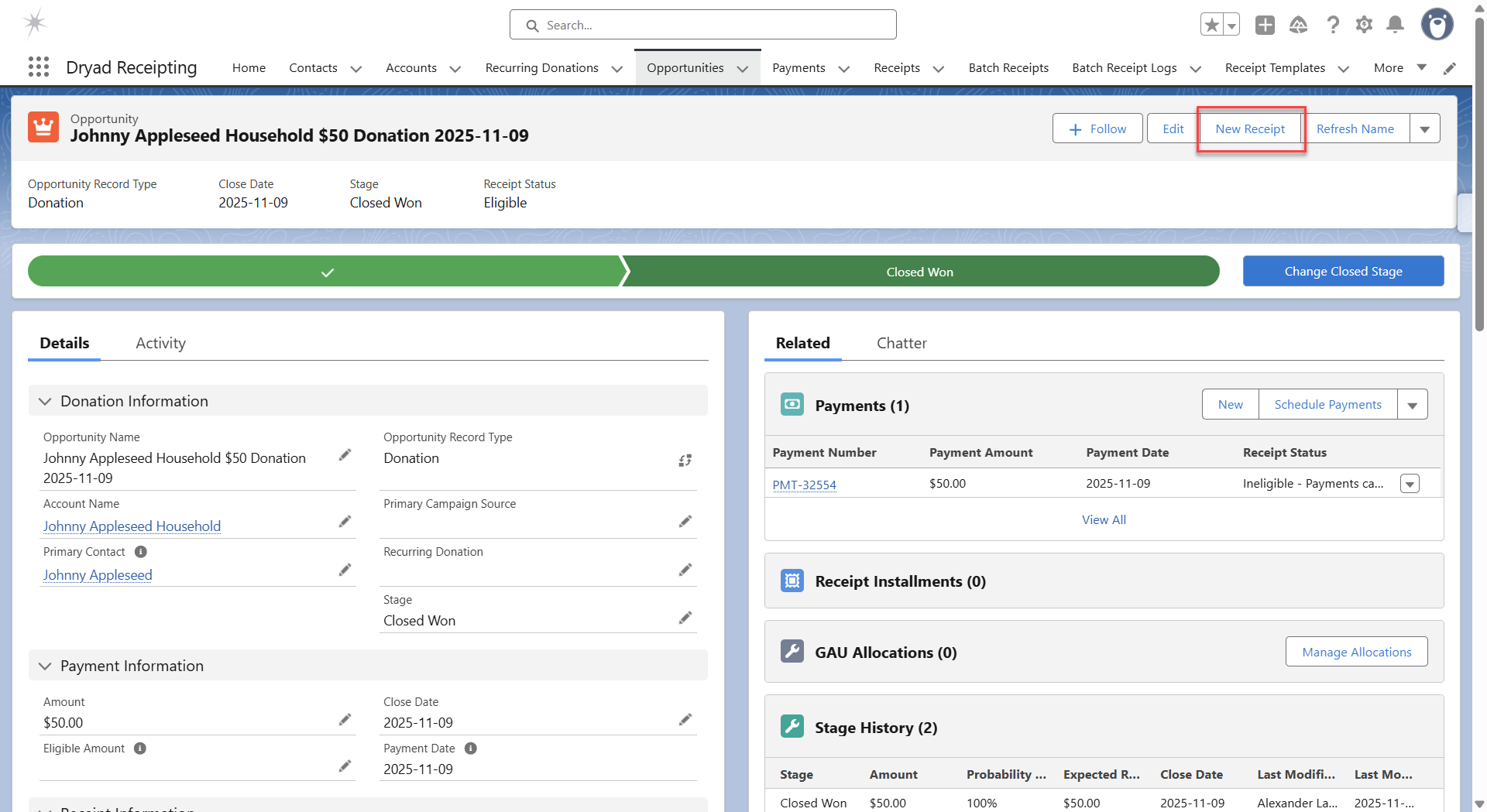
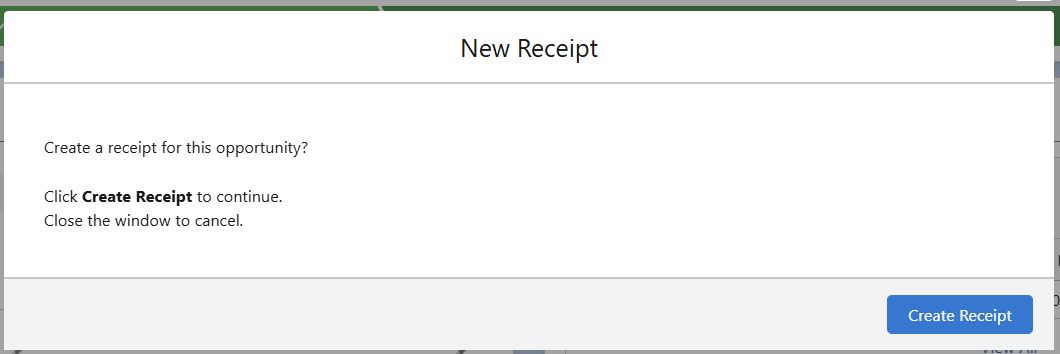
3. If the opportunity’s Receipt Delivery is “Eligible” or “Voided”
a. A confirmation message is displayed.
b. Click “Create Receipt” to confirm the action.
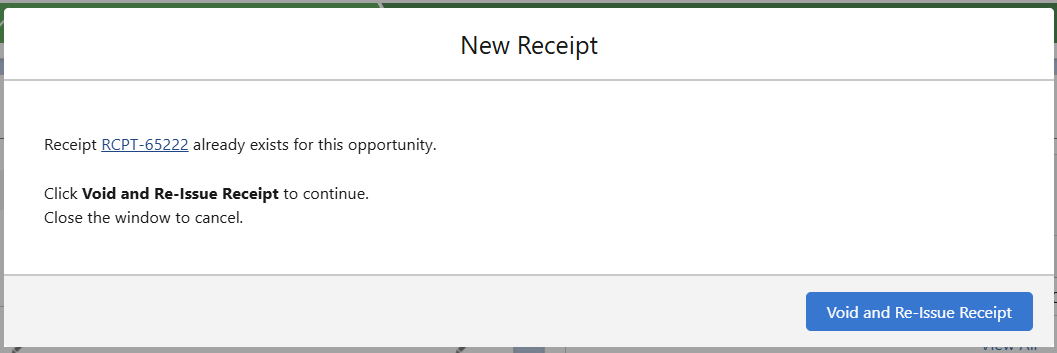
4. If the opportunity’s Receipt Delivery is “Receipted”
a. A confirmation message is displayed to void the existing receipt and replace with a new receipt
b. Click “Void and Re-Issue Receipt” to confirm the action.
5. A success message is displayed.
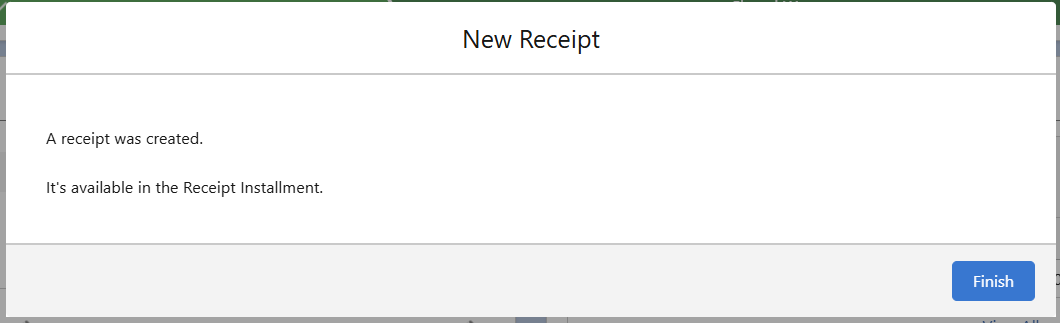
6. The receipt can be accessed from the Receipt Installment related list.